
Halloween Decorating in St. Catharines: Hang Lights & Outdoor Displays Without Damaging Your Home (2026 Guide)
October 17, 2026
YXSTABY Gaming Furniture in Ontario: Assembly & Setup Guide (2026)
October 17, 2026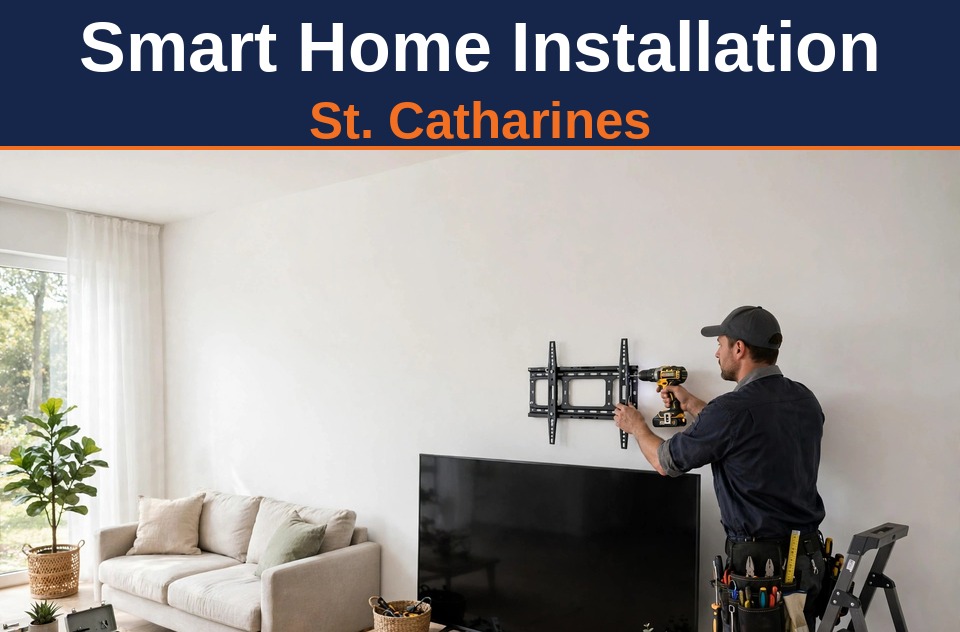
Searches for smart home help in St. Catharines are climbing — more homeowners are asking who can actually get the gear onto the wall and working, not just sell it to them. The catch: “smart home installation” means very different things depending on who you hire. An electrician wires circuits. A home-automation integrator programs scenes and hubs. And a handyman handles the part most people actually need: mounting the TV, hanging the soundbar, installing the video doorbell, placing the cameras, and making the wires disappear.
This guide covers that middle ground — the physical smart home installation a pro handyman does in St. Catharines homes: what to expect, what it costs in 2026, and where the handyman’s job ends and the electrician’s begins.
What a handyman’s smart home installation actually includes
Strip away the marketing and most residential smart home systems come down to the same handful of devices: a wall-mounted TV, a soundbar, a video doorbell, one to four security cameras, a couple of smart speakers or displays, and — if you’re upgrading entry security — a smart lock. None of these need new circuits. All of them need to be mounted level, anchored properly, positioned for signal and sightlines, and connected to your Wi-Fi.
TVs and soundbars: the heart of the system
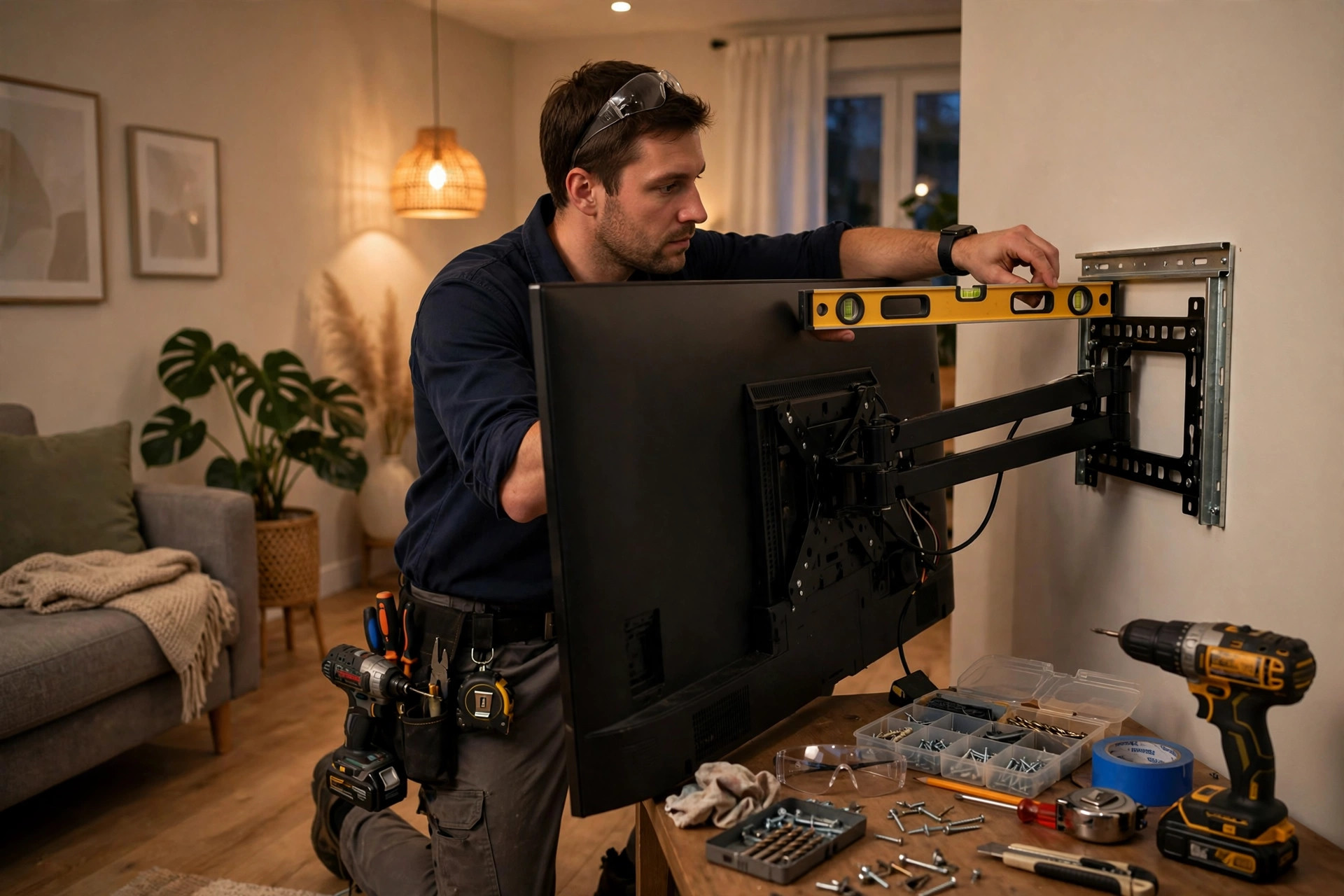
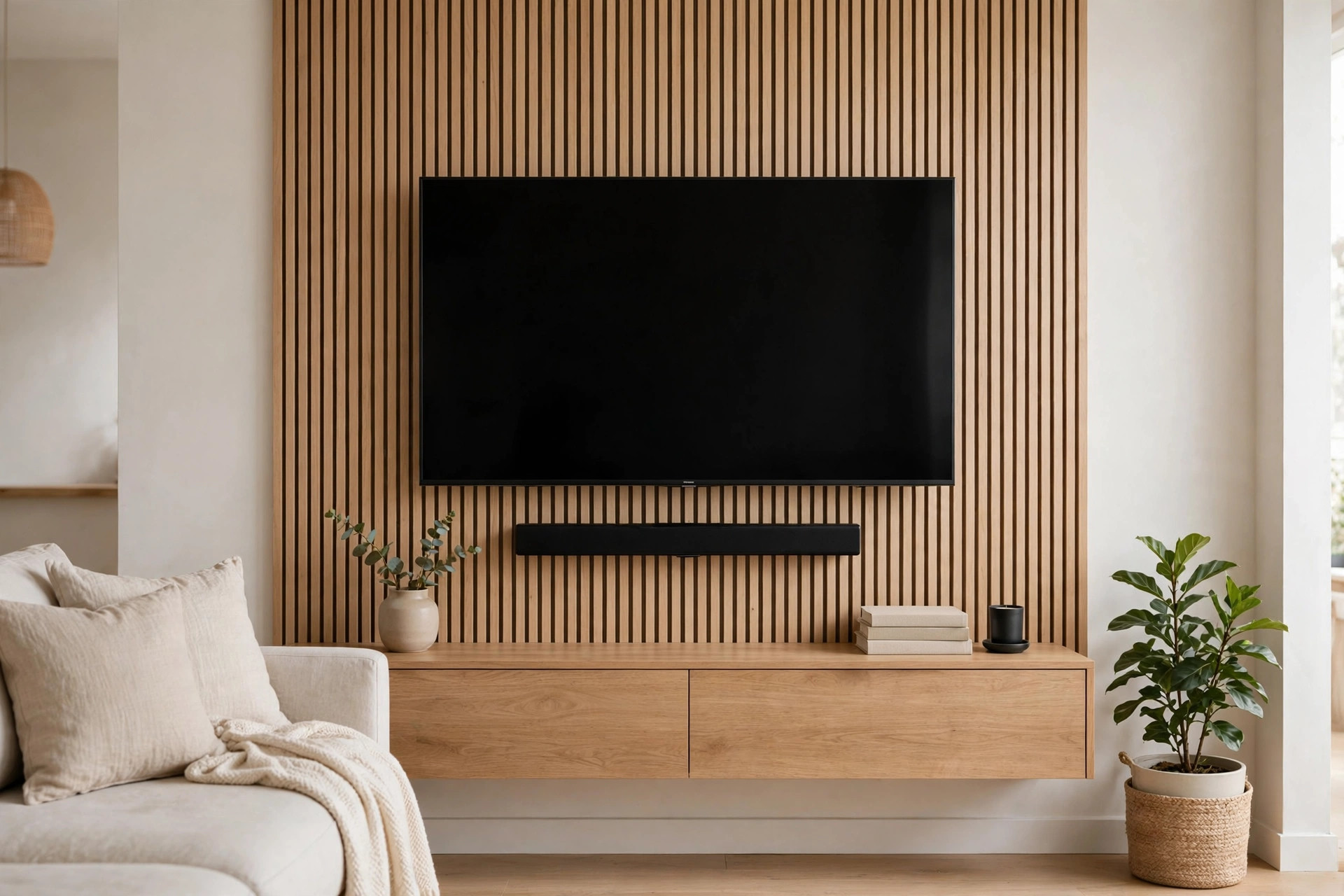
The TV is still the device everything else orbits, and mounting is where most DIY attempts go sideways. The three things that matter: hitting studs (a 65-inch TV on a full-motion arm puts serious leverage on the wall), getting the height right (screen center at seated eye level, roughly 42–48 inches off the floor), and choosing the right mount — fixed, tilt, or full-motion.
Soundbars go directly below the TV, mounted on the same studs or on the TV’s own bracket, with enough clearance that the remote’s IR signal — or the soundbar’s own sensors — aren’t blocked. Our TV mounting mistakes guide covers the full checklist, and the wall mounting service page has the details on what’s included.
Video doorbells and security cameras: placement is everything
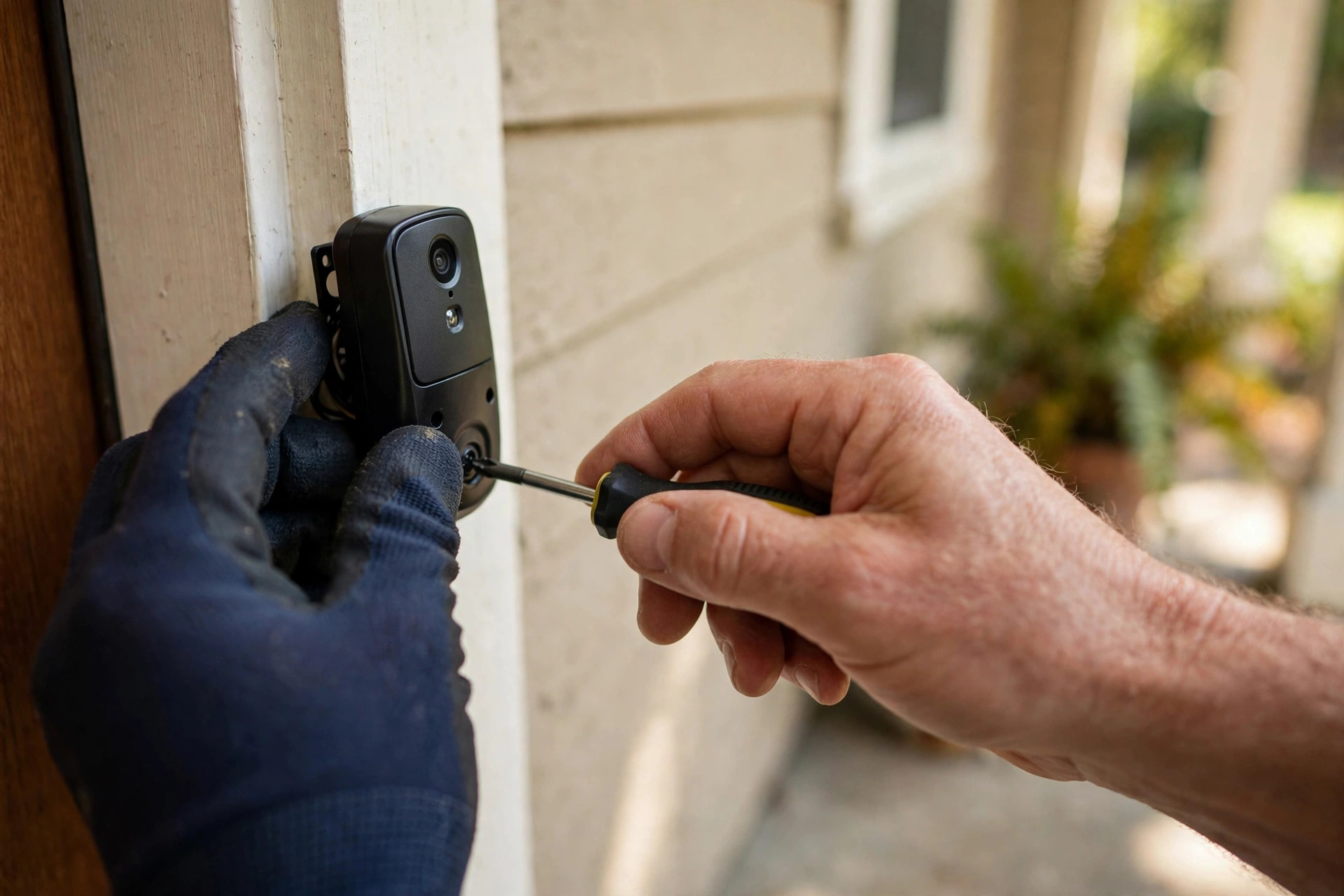
A video doorbell is a quick install when the placement is right — and a permanent frustration when it isn’t. Mount it 48 inches off the ground, angled slightly toward the walkway, not facing direct afternoon sun, which blinds the sensor. Battery models go anywhere; wired models that reuse an existing doorbell transformer need the voltage checked first — most want 16–24 VAC, and older St. Catharines homes sometimes have 10 VAC transformers that cause endless “offline” headaches.
For cameras: mount 8–10 feet up, under an eave or overhang, pointed at entry points rather than open sky. Corners beat flat walls — one corner-mounted camera covers what two flat-wall cameras miss. And keep every camera within strong Wi-Fi range; test the signal at the mounting spot with your phone before drilling a single hole.
Smart speakers and displays
Smart speakers and displays are the easiest part of any smart home system — they mostly sit on a shelf or counter. The installation question is placement: central and elevated for voice pickup, away from the TV’s speakers (which trigger false wake-ups), and within reach of an outlet since almost none are battery-powered.
The number-one complaint: the wires
Ask any homeowner what bothers them most after a DIY smart home setup and the answer is always the cables — a power cord dangling from the wall-mounted TV, a speaker wire snaking across the baseboard. Wire concealment is genuinely half the value of professional smart home installation.
The options, in order of cleanliness: in-wall cable kits (code-compliant, paintable, the right choice behind TVs), surface raceways (paintable channels that look fine on most walls), and routing through a basement or attic for longer runs. One honest boundary: adding a new outlet behind the TV is electrician work, and a good handyman tells you that upfront.
What smart home installation costs in St. Catharines (2026)
Typical 2026 ranges for professional installation in the St. Catharines area:
- TV wall mounting (mount supplied or yours): $80–$180
- Soundbar mounting + connection: $40–$80
- Video doorbell installation: $80–$150
- Security camera mounting: $60–$120 per camera
- Smart lock installation: $80–$150 (see our door lock installation guide for the hardware side)
- Wire concealment (in-wall kit behind TV): $50–$150
- Whole-room package (TV + soundbar + wire hiding): $200–$350
Bundling matters: having one pro do the TV, the doorbell, and the cameras in a single visit usually costs less than three separate calls, and the wire-hiding plan works better when one person sees the whole system.
DIY or hire a pro?
Mounting a single small TV on drywall with confirmed studs is a fair DIY project if you own a stud finder, a level, and a drill. The pro earns their fee when the wall is plaster or brick, the TV is 65 inches or bigger, multiple devices need coordinating, or wires have to disappear inside the wall. The most expensive DIY outcome isn’t a crooked TV — it’s a TV that pulls out of the wall because the mount missed the studs. BuildNest is an insured local handyman service covering St. Catharines and the surrounding Niagara cities, and smart-device mounting is regular weekly work for the crew.
FAQ
What’s the difference between a smart home system and smart home integration? A smart home system is the collection of devices — TV, doorbell, cameras, speakers, locks. Smart home integration is making them work together through one app or voice assistant. A handyman installs the system (the physical devices); the integration is usually app setup you can do yourself once everything’s mounted.
Can a handyman install a video doorbell if I don’t have existing doorbell wiring? Yes — battery-powered models need no wiring at all and mount with a few screws. If you want a wired model but have no existing doorbell circuit, that’s the one case that crosses into electrician territory. A quick call to BuildNest at 905-519-1011 before purchasing can save you from buying the wrong model for your home.
Will a wall mount hold my TV on a plaster wall? Usually yes, with the right anchors — plaster over lath needs different hardware than drywall, and brick or concrete needs masonry anchors. This is exactly where older St. Catharines homes trip up DIY installers.
Do I need a hub for my smart home devices? Not necessarily. Most current doorbells, cameras, and speakers connect directly to Wi-Fi and their own apps. A hub (or a voice assistant like Alexa or Google Home) becomes useful when you want devices from different brands to trigger each other — say, the porch camera turning on the entry light.
How long does a typical smart home installation visit take? A single TV mount with wire concealment: 1–2 hours. A video doorbell plus two cameras: 2–3 hours. A full living-room setup (TV, soundbar, wire hiding, two speakers): half a day. Most St. Catharines jobs fit comfortably in one visit — details on the broader handyman side are on our general handyman repairs in Niagara page.
A smart home system is only as good as its installation — mounted level, anchored into something solid, positioned for signal, with the wires out of sight.