
How Much Does Furniture Assembly Cost in Niagara? (2026 Price Guide)
October 10, 2026
Swing Set Assembly in Niagara: DIY or Hire a Pro? (2026 Guide)
October 12, 2026
Mounting a flat-screen TV looks like a 20-minute job — until the TV hangs crooked, the bracket pulls away from the drywall, or your neck aches every movie night. We mount TVs all over Niagara every week, and we keep seeing the same TV mounting mistakes in homes from Niagara Falls to Fort Erie. Here are the seven biggest — and how to get them right.
Mistake 1: Buying the wrong type of mount
Walk into any big-box store and you’ll see three main types: fixed, tilt, and full-motion (articulating). The mistake is grabbing whatever is cheapest without thinking about the room.
- Fixed mounts hold the TV flat against the wall. Great for bedrooms where you always watch straight on.
- Tilt mounts angle the screen down. Ideal when the TV goes above a fireplace or console — the most common setup we install.
- Full-motion mounts swing out and swivel. Perfect for open-concept living rooms where you watch from the couch, the kitchen, and the dining table.
Mistake 2: Anchoring into drywall instead of studs
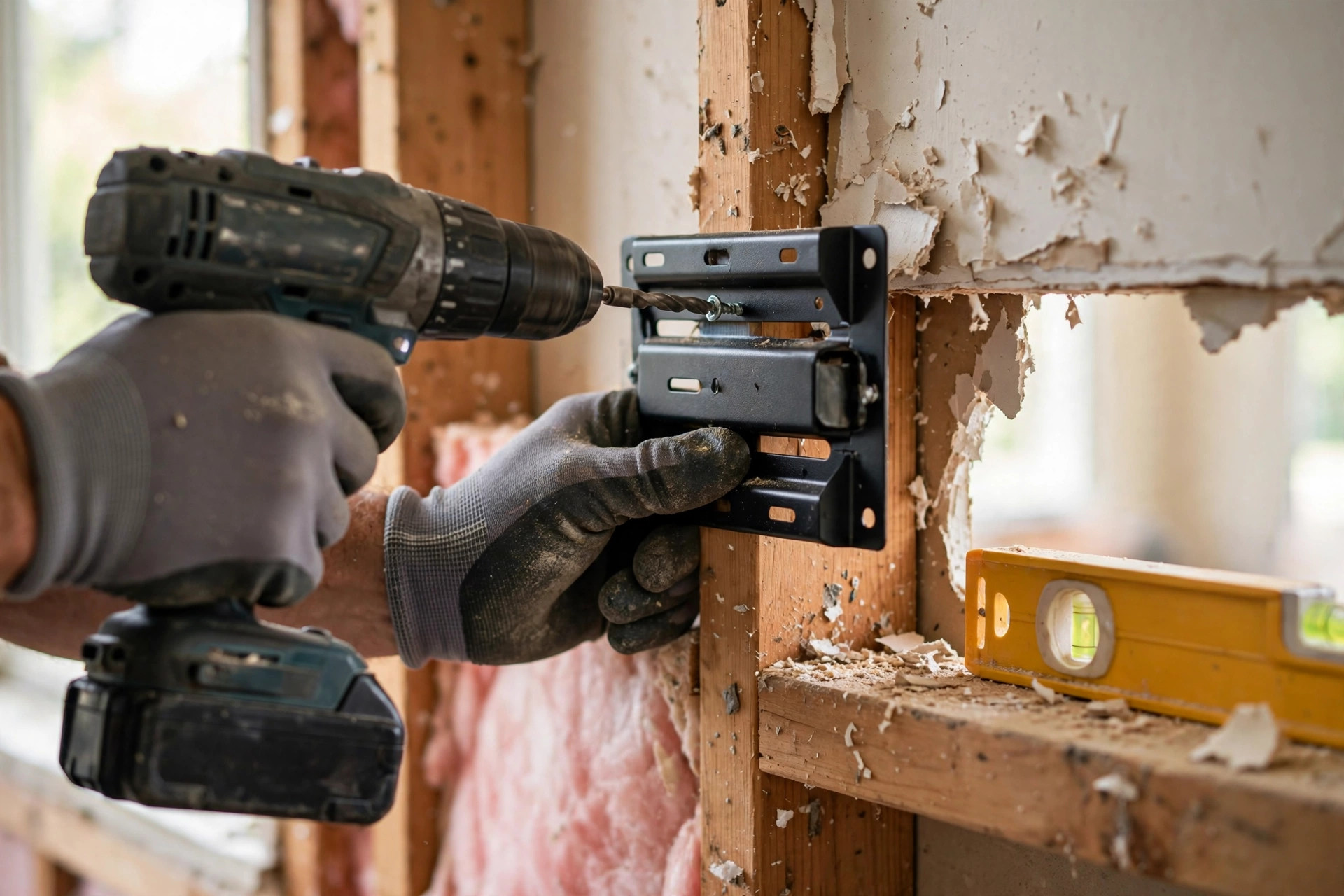
This is the dangerous one. A 65-inch TV weighs 50 to 70 pounds, and drywall alone can’t hold that — no matter what the plastic anchors promise. The bracket must be screwed into wooden wall studs. A decent stud finder costs less than $30, and in most Niagara homes studs sit 16 inches apart. Concrete or brick walls — common in older St. Catharines basements — need masonry anchors and a hammer drill, not the hardware that came in the box.
Mistake 3: Mounting the TV too high
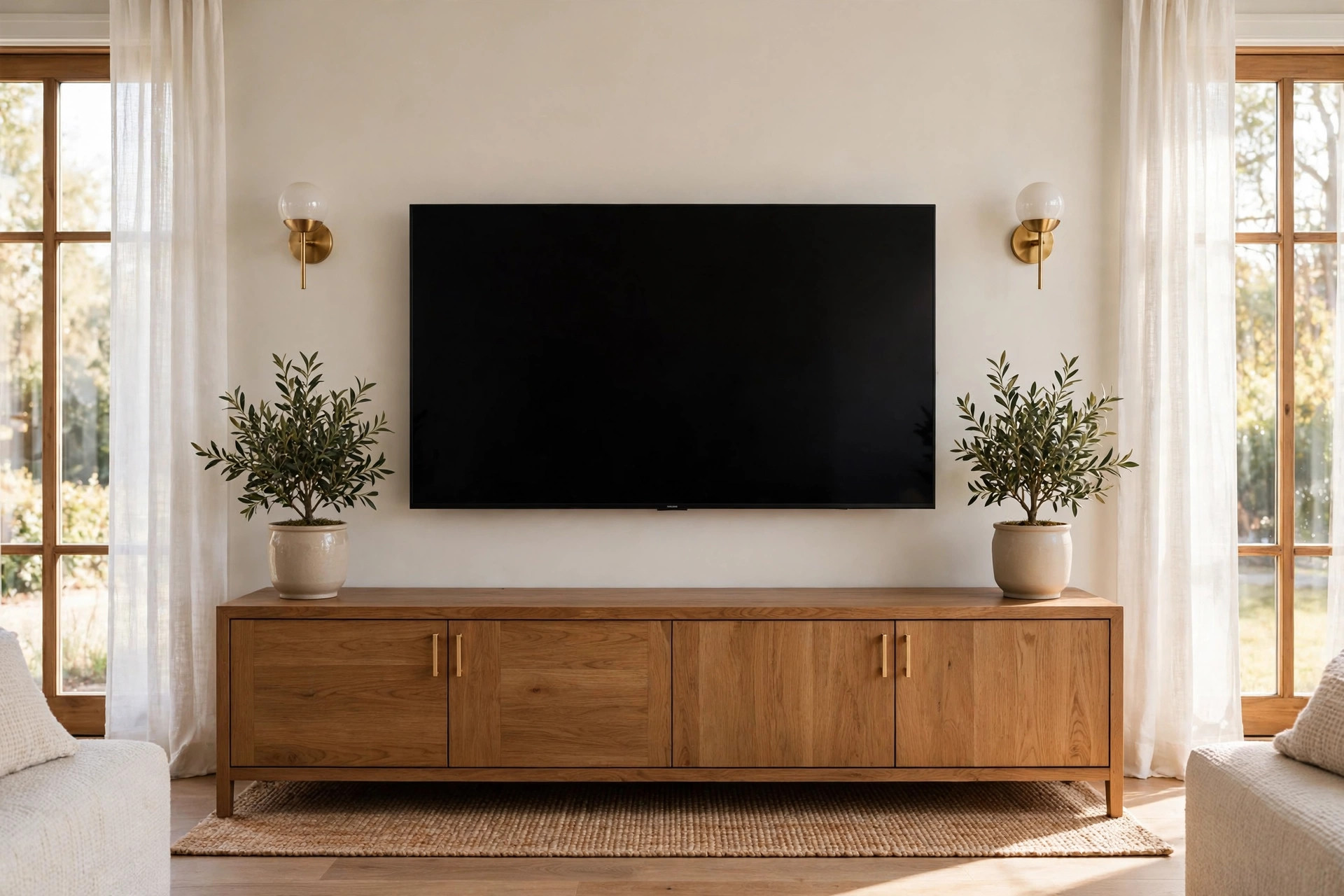
The number-one regret we hear: “It looks great, but my neck hurts.” The rule is simple — when you’re seated in your normal viewing spot, your eyes should land at roughly the centre of the screen. For most couches, that puts the centre of the TV about 42 to 48 inches off the floor.
Above-the-fireplace installs break this rule, which is why tilt mounts exist. If you’re going over the mantel, use a tilt mount angled down and sit a little farther back. Your neck will thank you.
Mistake 4: Ignoring the VESA pattern and weight rating
Every TV has a VESA mounting pattern — the spacing of the four bolt holes on the back, like 200×200 or 400×400 — and a weight. Every bracket lists the patterns and weights it supports. Check your TV’s manual before you buy: most “universal” mounts cover the common patterns, but cheap brackets sometimes overstate their weight capacity.
Mistake 5: Forgetting about cables and outlets
Nothing ruins a clean mounted-TV look like cables dangling down the wall. Plan this before the bracket goes up:
- Is there an outlet behind the TV? If not, you’ll need an extension solution or an electrician to add one.
- Where do the HDMI cables go? A simple paintable cable raceway hides them for under $20 and looks tidy.
- Running cables inside the wall looks best but means cutting drywall — and keeping power cables separate from low-voltage ones, which is a code consideration in Ontario.
When we do a TV wall-mounting installation in Niagara, cable concealment is part of the plan from the start, not an afterthought.
Mistake 6: Skipping the level check
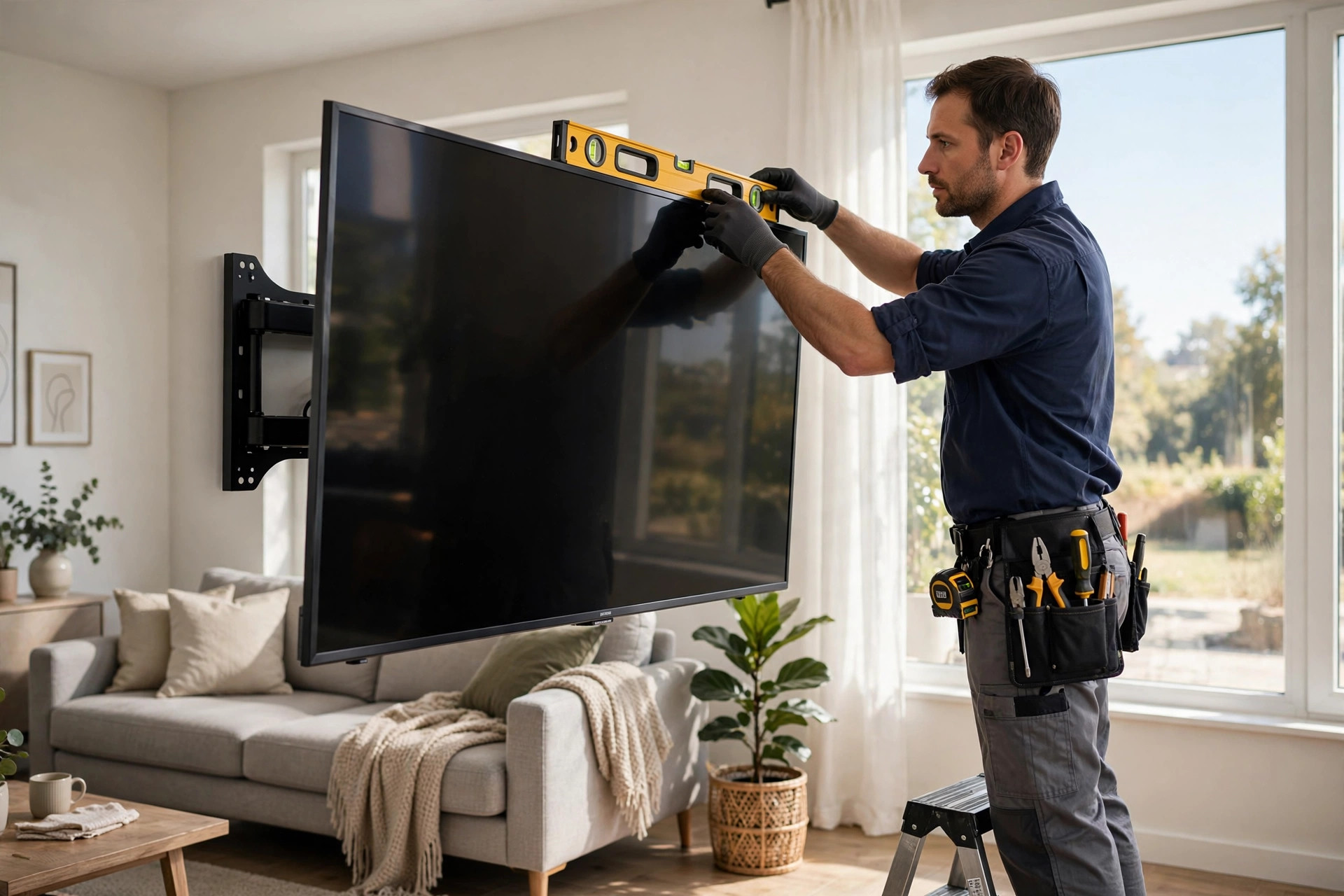
A TV that’s even slightly off-level is one of those things you can’t unsee — and “lining it up with the ceiling” can make it worse, since ceilings are rarely straight themselves. Use a spirit level on the bracket and the top of the TV, and have someone check it from the couch while you make final adjustments.
Mistake 7: Trying to hang a big TV alone
A 55-inch-plus TV is wide, heavy, and fragile. One person trying to lift it onto the bracket while lining up the hooks is how screens get cracked and fingers get pinched. Two people make it a five-minute job; one person makes it a risky one.
If you don’t have a second pair of hands, this alone is reason to call a pro. Our techs do this daily — the TV goes up level, secure, and in about an hour.
How high should you mount your TV?
Quick reference for the most common setups:
- Living room (seated viewing): centre of screen 42–48 inches from the floor.
- Bedroom (watching from bed): centre of screen 48–55 inches from the floor, often with a slight tilt.
- Above a fireplace: as low as the mantel allows, with a tilt mount angled down 5–15 degrees.
- Home gym or bar area: higher is fine — 55–65 inches — since you’re standing or sitting on stools.
DIY vs. hiring a pro for TV mounting in Niagara
Honest answer: with a stud finder, a drill, a level, the right bracket, and a helper, a standard drywall install is very doable. DIY goes wrong on concrete walls, above fireplaces, with in-wall cable runs, or with TVs over 65 inches.
A professional install in Niagara typically runs $90 to $180, including stud location, levelling, and cable tidying. That’s cheap insurance against a cracked screen or a TV on the floor. Pair it with our furniture assembly service — new TV console plus wall-mounted TV in one visit — and you save a second appointment.
Frequently asked questions
How much does TV mounting cost in Niagara?
A standard TV wall-mounting job in Niagara Falls, St. Catharines, or Welland typically costs $90–$180 including labour. Fireplace installs, concrete or brick walls, and in-wall cable concealment cost more. BuildNest gives a firm price before we start — call or text 905-519-1011.
Can you mount a TV on any wall?
Almost. Drywall with wooden studs is standard. Concrete, brick, and plaster need special anchors and tools. The one wall to be careful with is drywall with no studs behind it — a heavy TV needs solid backing.
How do I find studs behind the drywall?
Use an electronic stud finder, or tap the wall and listen for the solid sound. Outlets and light switches are usually mounted to a stud, which gives you a starting point.
Should I hide the cables inside the wall?
It looks the best, but it means cutting drywall and patching it, and power cables must be handled to code. A surface-mounted cable raceway is simpler and still looks clean. We can do either during a professional install.
What size mount do I need for a 55-inch TV?
Don’t match the mount to the screen size — match it to the VESA pattern and weight on the back of your TV. Most 55-inch TVs use a 200×200 or 400×400 pattern and weigh 30–45 pounds, which any mid-range “universal” mount handles easily.
Get it mounted right the first time
A wall-mounted TV should look perfect, sit at the right height, and stay exactly where you put it. BuildNest’s TV wall-mounting service covers all of Niagara — Niagara Falls, St. Catharines, Welland, Thorold, Fort Erie, and Niagara-on-the-Lake — with same-week availability, proper stud mounting, levelling, and cable tidying on every job.
Call or text 905-519-1011 for a free quote — tell us your TV size and where it’s going, and we’ll give you a straight price before we show up.