
Flood-Damaged Drywall in Welland: Repair or Replace? (2026 Recovery Guide)
October 20, 2026
How to Draft-Proof Your Windows in Canada Before Winter: A DIY Guide (2026)
October 21, 2026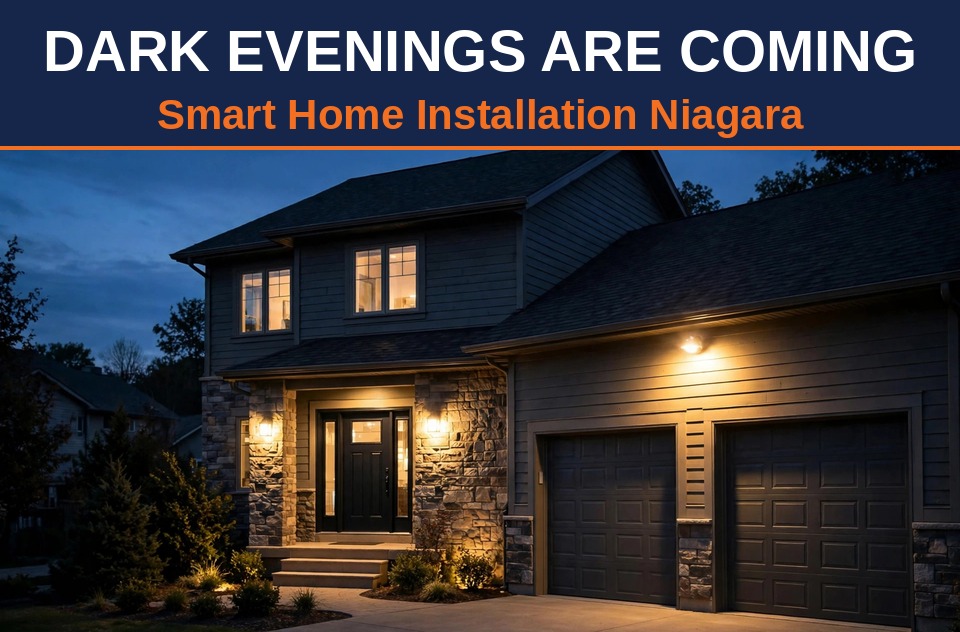
Dark Evenings Are Coming: Outdoor Security Lighting & Smart Home Installs in Niagara (2026 Guide)
On Sunday, November 1, Ontario’s clocks fall back an hour. Sunset in Niagara moves from roughly 6:15 p.m. to around 5:15 p.m. — and by mid-November it’s dark by 4:45. That means getting home from work, trick-or-treating, parcels arriving and guests pulling into the driveway all happen in the dark.
This is the week to think about your home’s after-dark layer: the lights, cameras and timers that make a house feel safe and welcoming. Here’s what a smart home installation in Niagara actually looks like when the goal is dark-evening security — and what to sort out before November 1.
Why the dark evenings matter more than you think
It’s not just about comfort. Late autumn is when Niagara homeowners notice three things at once:
- Packages pile up in the dark. The holiday shopping season starts now, and doorstep deliveries arrive after sunset. A lit porch and a video doorbell deter porch pirates.
- Slip-and-fall season begins. Wet leaves, early frost, black ice — a dark walkway hides all of it. Pathway lighting is injury prevention.
- Break-ins cluster just after dark. Security research shows burglaries peaking in the early-evening hours, when homes look empty. A layered-lit house looks lived-in.
The good news: this is one of the fastest, cheapest upgrades you can make, and most of it goes up in a single afternoon.
The 4-part dark-evening setup
1. Motion-sensor floodlights at every blind corner
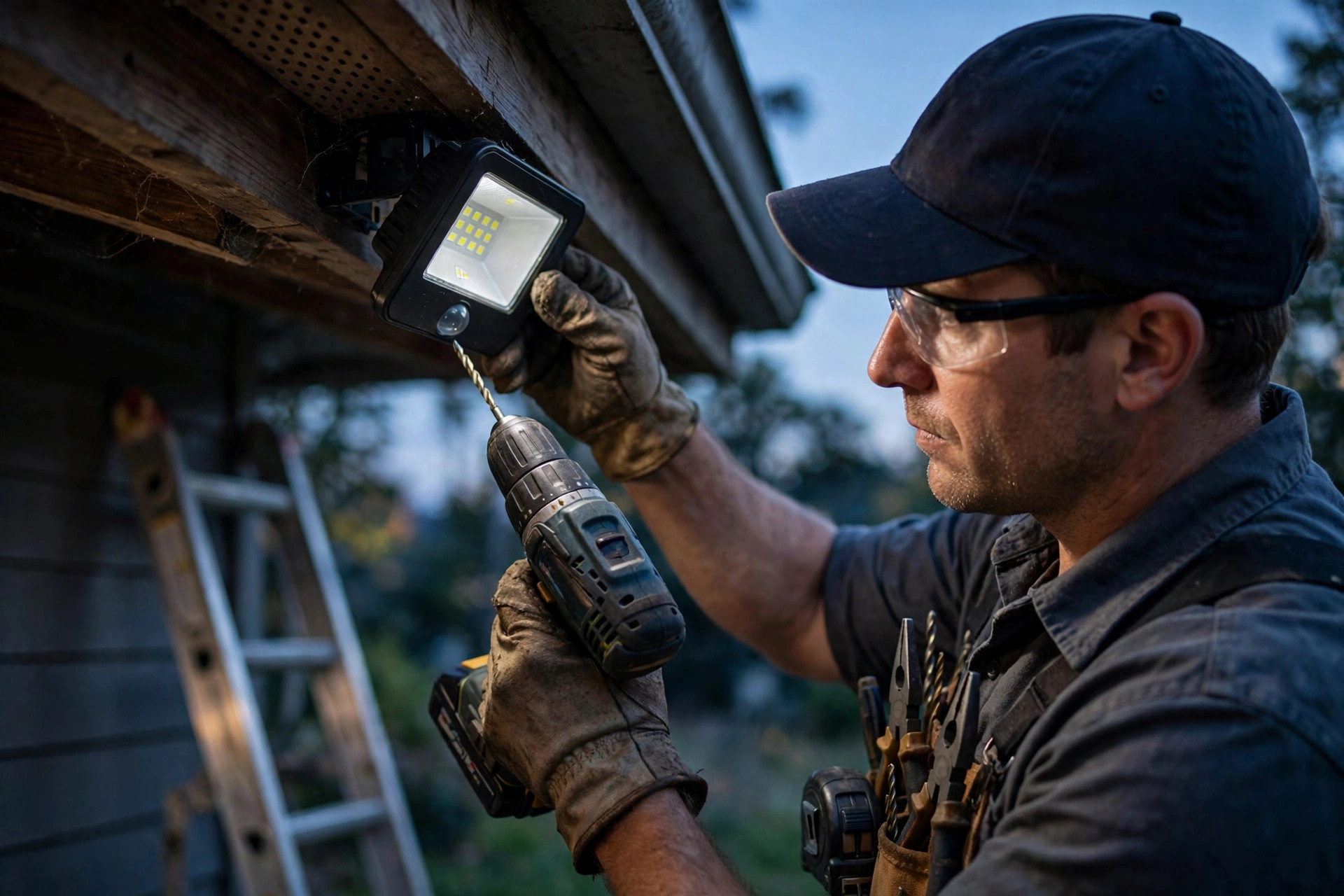
The workhorse of any dark-evening system. A pair of LED floodlights mounted 2.5–3 metres up under the eaves covers the driveway, side yard and back door — the three spots burglars probe first.
- Placement rule: mount high enough that nobody can reach the sensor from the ground, but low enough that the light cone actually lands where people walk. Floodlights bolted 5 metres up on a gable are the classic mistake — they light the street and leave your driveway in shadow.
- Aim matters: angle the heads down toward the ground you want to see, never straight out at eye level or into a neighbour’s window.
- Sensitivity tuning: test it at night. It should trip for a person on your path, not for every car on the street.
2. A video doorbell on the front door
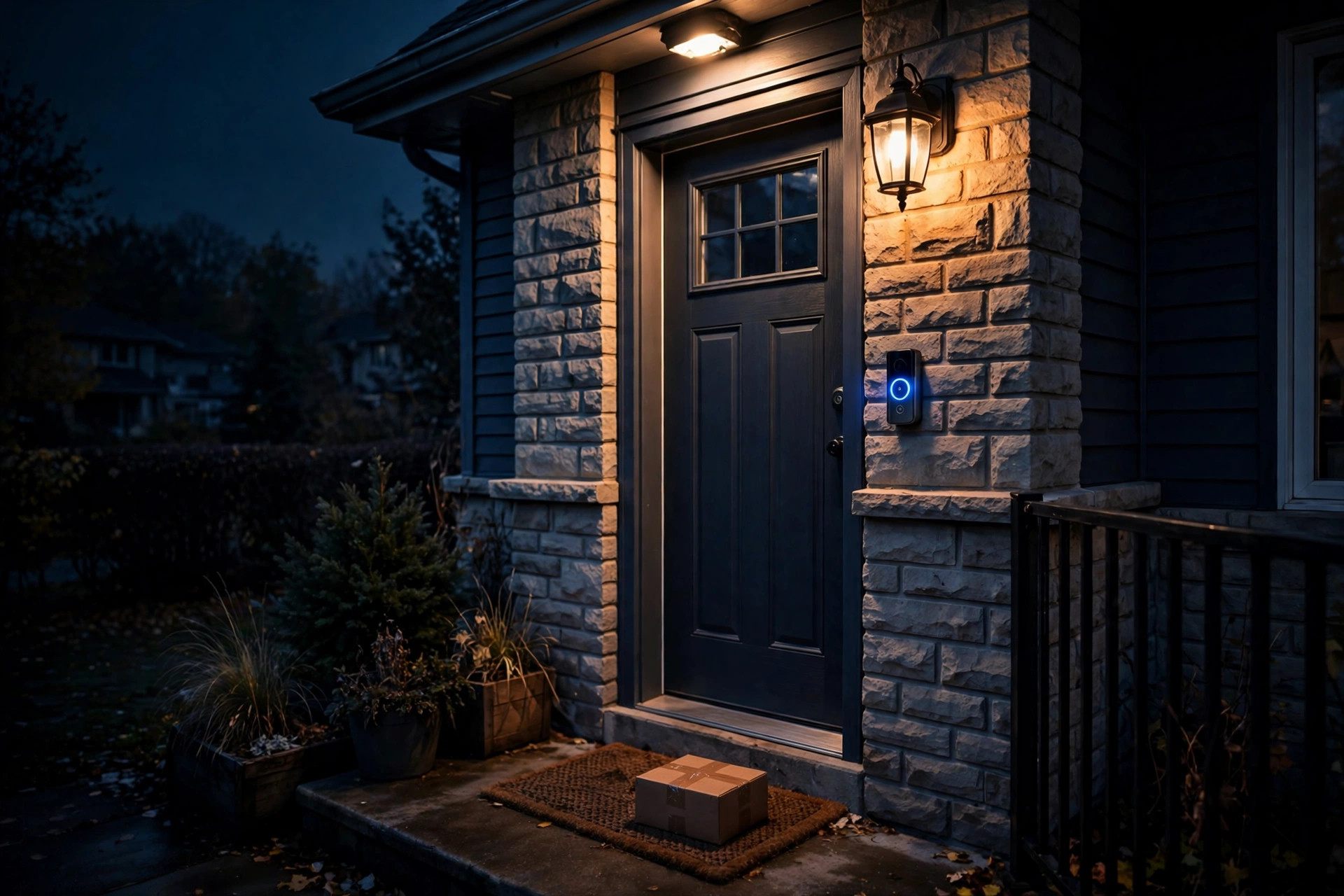
From November on, nearly every visitor and delivery arrives in darkness. A video doorbell gives you a live view of the porch from your phone, two-way talk, and motion-triggered clips.
- Battery vs. wired: battery models install in minutes, but lithium batteries lose capacity in cold. Hardwired to an existing doorbell transformer, winter performance is a non-issue.
- Field of view: mount it at about 1.2 metres (48 inches) so faces, not just foreheads, are in frame.
- Wi-Fi check: the porch is often the weakest Wi-Fi spot in the house. If your router is in the basement at the back, run a speed test at the front door before you buy.
3. Pathway and step lights you never have to think about
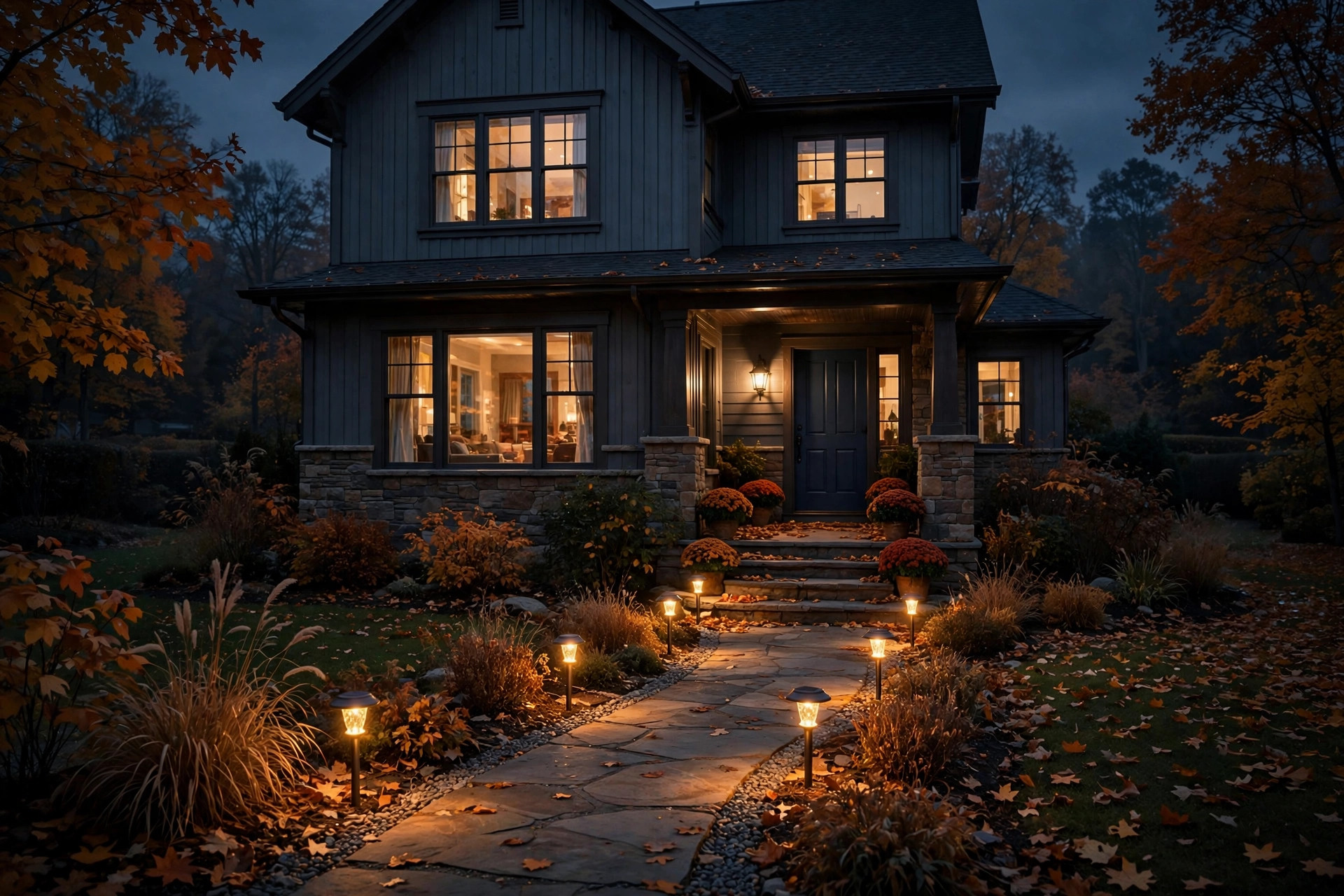
Solar path lights are the zero-effort option: no wiring, no electrician — just push them into the soil along the walk. In November, Niagara gets under 10 hours of daylight, so buy quality units with larger panels; the cheap ones die by 9 p.m. in December. For steps and railings, hardwired low-voltage kits run off a single transformer and are far more reliable through the long dark season.
4. Indoor timers that fake an occupied house
The simplest trick in the book still works: smart plugs or timer switches on two or three lamps, set to come on at dusk and vary slightly night to night. From the street, the house reads as occupied. Pair this with a smart hub or phone app to randomize the schedule — which beats a rigid 5:30–11:00 timer.
5 mistakes to avoid
- Mounting floodlights too high. The higher the light, the wider and weaker the pool. Aim for 2.5–3 metres under the eave.
- Creating glare. Use shielded, downward-angled fixtures — Niagara municipalities all have nuisance-lighting rules.
- Gaps in coverage. Two lights that overlap beat four scattered randomly. Walk the property at night and note every dark pocket.
- Forgetting the back door. Front doors get doorbells; back doors and basement walkouts are where the motion floodlight earns its keep.
- Setting and forgetting. Re-aim after the first week of dark evenings, and retest after the first heavy frost — expanding ice can shift mounts.
2026 cost guide: smart home installation in Niagara
| Install | Typical Niagara labour cost | Hardware |
|---|---|---|
| Motion-sensor floodlight pair (replacing existing fixtures) | $60–$120 | $40–$120 |
| Video doorbell (battery model) | $80–$150 | $80–$250 |
| Video doorbell (hardwired to existing transformer) | $120–$200 | $80–$250 |
| Solar pathway light set (6–8 lights) | $50–$100 | $40–$120 |
| Smart plugs/timer switches (3-lamp package) | $30–$80 | $30–$75 |
| Full dark-evening package (all four, one visit) | $250–$450 | $150–$350 |
Hardware prices are what you’d pay at a Niagara big-box store; labour is the local going rate. A bundled one-visit install — doorbell, floodlights, pathway lights, timers — is almost always cheaper than four separate callouts.
DIY or hire a pro?
Be honest about the job list. DIY-friendly: solar path lights, smart plugs, battery doorbells, screw-in smart bulbs — no tools beyond a screwdriver and a ladder you already own. Call a pro: anything wired into your electrical system, mounts above 3 metres on a ladder in October wind, or a multi-device setup where doorbell, lights and timers need to work as one system.
The dividing line is simple: if it needs an electrician’s wiring skills or a pro’s ladder, get a quote first. Handymen like BuildNest in Niagara handle the mounting, aiming, app pairing and cold-weather setup as a single visit — floodlights, doorbell, pathway lights and timers sorted before the clocks change.
Your before-November-1 checklist
- Test every existing outdoor light — replace dead bulbs with LEDs now.
- Decide battery vs. wired for the doorbell, and check porch Wi-Fi strength.
- Walk the property at night; mark the dark pockets on a phone photo.
- Set indoor lamp timers for dusk, and re-aim floodlights after installation.
Frequently asked questions
Do motion-sensor lights really deter break-ins?
They’re one of the best-studied deterrents: homes with visible, working security lighting are consistently passed over in favour of darker targets. Layered with a doorbell camera, they’re the highest-value first step.
Will a video doorbell work through a Niagara winter?
Wired models, yes, reliably. Battery models work too, but cold cuts battery life — expect more frequent charging December through February. If you already have doorbell wiring, hardwiring is the smart move.
How bright should outdoor security lights be?
For a residential driveway or yard, 700–1,300 lumens per floodlight is plenty. Brighter isn’t better — excessive brightness creates harsh shadows, and it will annoy neighbours. Shielded fixtures with motion sensors are the right choice.
Do I need an electrician for any of this?
If you’re replacing fixtures on existing wiring or mounting battery/solar devices, no — a handyman covers it. If new wiring or a new circuit is needed, Ontario electrical code requires a licensed electrician.
How much does a full smart home installation cost in Niagara?
A complete dark-evening package — video doorbell, two motion-sensor floodlights, pathway lighting and indoor timers — typically runs $400–$800 all-in for hardware plus installation. Homeowners across the Niagara region can reach a local installer like BuildNest at (905) 519-1011 for a same-week quote before the clocks change.
Related reading: Smart Home Installation in St. Catharines: What a Pro Actually Does · 5 Signs It’s Time to Change Your Door Locks in Niagara · General Handyman Repairs in Niagara